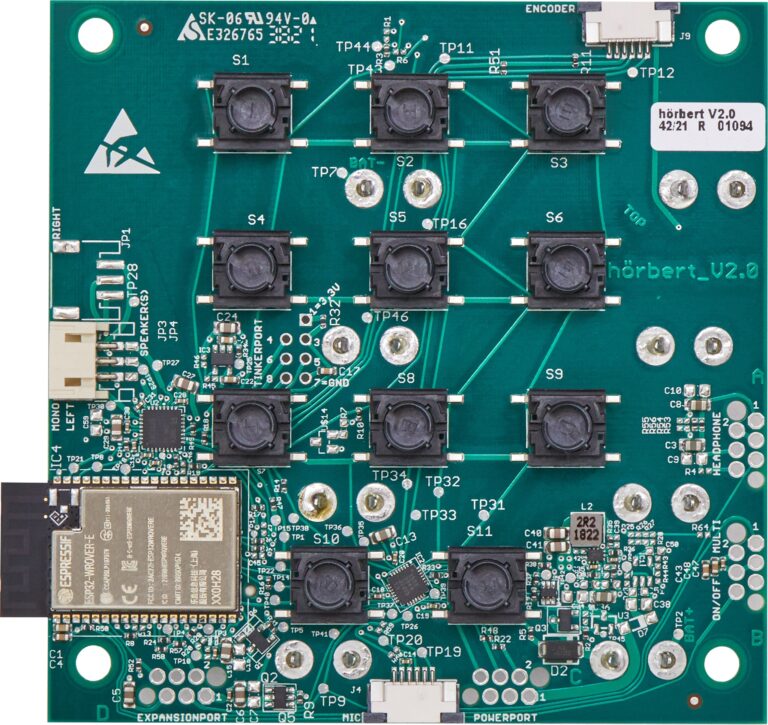
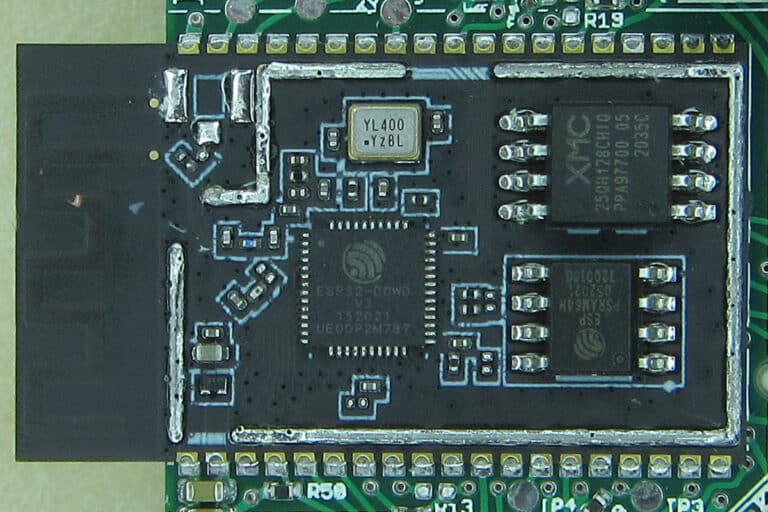
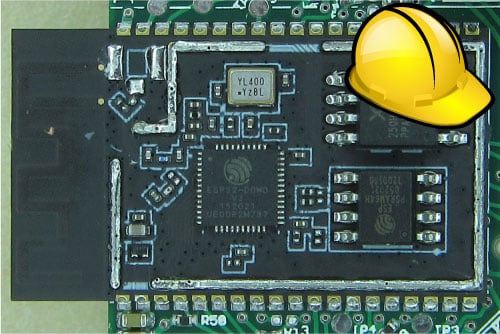
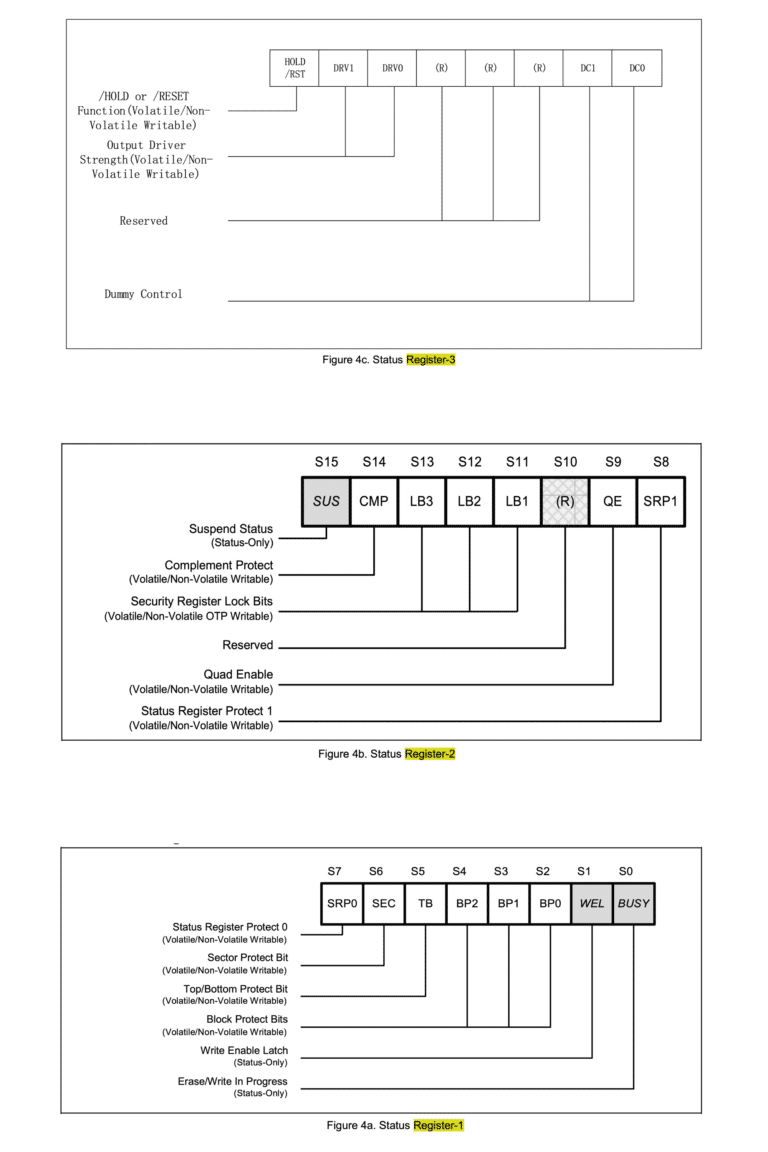
The chip XM25QH128C is connected to the WROVER-E module via SPI. In addition to write and read commands, the three 8-bit wide status registers SR1, SR2, and SR3 can also be set.
The bits SRP1 (“Status Register Protect 1”) in Status Register 2 and SRP0 (“Status Register Protect 2”) in Status Register 1 are responsible for write protection.
Setting these two bits to “1” locks the modification of all three status registers permanently, because these Status Register Protect bits are “OTP” (one time programmable) bits. Once set, they cannot be cleared. Therefore, in our new firmware, we set all three status registers to appropriate values needed for our hörbert, and then set both Status Register Protect bits. This can be done only once.
In our case, we can safely set the registers to the values 0x600380. (S1=0x80, S2=0x03, S3=0x60) These settings are the correct values for our firmware and functions, and by setting the SRP0 and SRP1 bits, they will remain so.
How do I find out more about the flash chip?
The chip ID can be read using esptool.py.
In our case, the Manufacturer is “20” (XMC) and the Chip ID is 4018 (128 MBit Flash)
> esptool.py flash_id
esptool.py v3.1-dev
Found 2 serial ports
Serial port /dev/ttyUSB0
Connecting........_
Detecting chip type... ESP32
Chip is ESP32-D0WD-V3 (revision 3)
Features: WiFi, BT, Dual Core, 240MHz, VRef calibration in efuse, Coding Scheme None
Crystal is 40MHz
MAC: 94:3c:c6:c1:55:e4
Uploading stub...
Running stub...
Stub running...
Manufacturer: 20
Device: 4018
Detected flash size: 16MB
Hard resetting via RTS pin...
The status registers can also be read using esptool.py. Here is an example of a misconfigured chip with the values of the status registers 0xe37bfc (S1=0xfc, S2=0x7b, S3=0xe3)
> esptool.py read_flash_status --bytes 3
esptool.py v3.1-dev
Found 2 serial ports
Serial port /dev/ttyUSB0
Connecting...
Detecting chip type... ESP32
Chip is ESP32-D0WD-V3 (revision 3)
Features: WiFi, BT, Dual Core, 240MHz, VRef calibration in efuse, Coding Scheme None
Crystal is 40MHz
MAC: 94:3c:c6:c1:55:e4
Stub is already running. No upload is necessary.
Status value: 0xe37bfc
Hard resetting via RTS pin...
What does the error look like on the console?
This output is seen when the error has already occurred, and the flash chip has become unusable. The WROVER-E module is stuck in an endless boot loop and does not run any other program except trying to load the second stage bootloader.
ets Jul 29 2019 12:21:46

rst:0x1 (POWERON_RESET),boot:0x33 (SPI_FAST_FLASH_BOOT)
configsip: 0, SPIWP:0xee
clk_drv:0x00,q_drv:0x00,d_drv:0x00,cs0_drv:0x00,hd_drv:0x00,wp_drv:0x00
mode:DIO, clock div:2
load:0x3fff0030,len:380
ho 0 tail 12 room 4
load:0x07800000,len:3378177
ets Jul 29 2019 12:21:46

... and so on ...
Talk is cheap, show me the code!
Disclaimer: Do not use this code for your project if you do not understand which status bits you are allowed to set and which not!
This code was fortunately sent to us by Espressif as a basis for our own fix support. It requires Espressif’s esp-idf. It runs in RAM and first checks the flash ID 0x204018. Then it reads the status registers and combines S2 with the essential Status Register Protect bit SRP1, and sets bit SRP0, together making up the actual fix.
#include "freertos/FreeRTOS.h"
#include "freertos/task.h"
#include "soc/spi_reg.h"
#include "esp32/rom/spi_flash.h"
#include "esp_spi_flash.h"
#include "esp_task_wdt.h"
#include "soc/spi_struct.h"

... and so on ...
This method is properly understood when looking at the status registers of the flash chip.